
Brother HL 2270 Supplies
Toner Cartridges, Maintenance Kits and Parts


7 Items


Brother TN450 (TN-450)
Black Genuine Toner Cartridge High Yield, 2,600 pages

Brother DR420 (DR-420)
Genuine Drum 12,000 pages

Remanufactured DR420
Remanufactured Imaging Drum 12,000 pages
Frequently Asked Questions
The HL 2270 uses BRT TN420 (BRT TN-420), BRT TN450 (BRT TN-450), XER 106R2634 toner cartridges. BRT TN420 yields 1200 pages; BRT TN450 yields 2600 pages; XER 106R2634 yields 2600 pages.
BRT TN420 (BRT TN-420) prints 1200 pages, BRT TN450 (BRT TN-450) prints 2600 pages. Choose BRT TN450 (BRT TN-450) for high-volume printing (lower cost per page); BRT TN420 (BRT TN-420) costs less upfront for occasional use.
The BRT TN450 cartridge has an approximate yield of 2600 pages.
For BRT TN420 you can choose Genuine Brother (BRT TN420 (BRT TN-420)) or a Remanufactured option (CTC TN420) at a lower price per page, same 1200 page yield. For BRT TN450 you can choose Genuine Brother (BRT TN450 (BRT TN-450)) or a Remanufactured option (CTC TN450) at a lower price per page, same 2600 page yield.
Yes — the HL 2270 uses a replaceable imaging drum: BRT DR420 (BRT DR-420), CTC DR420.
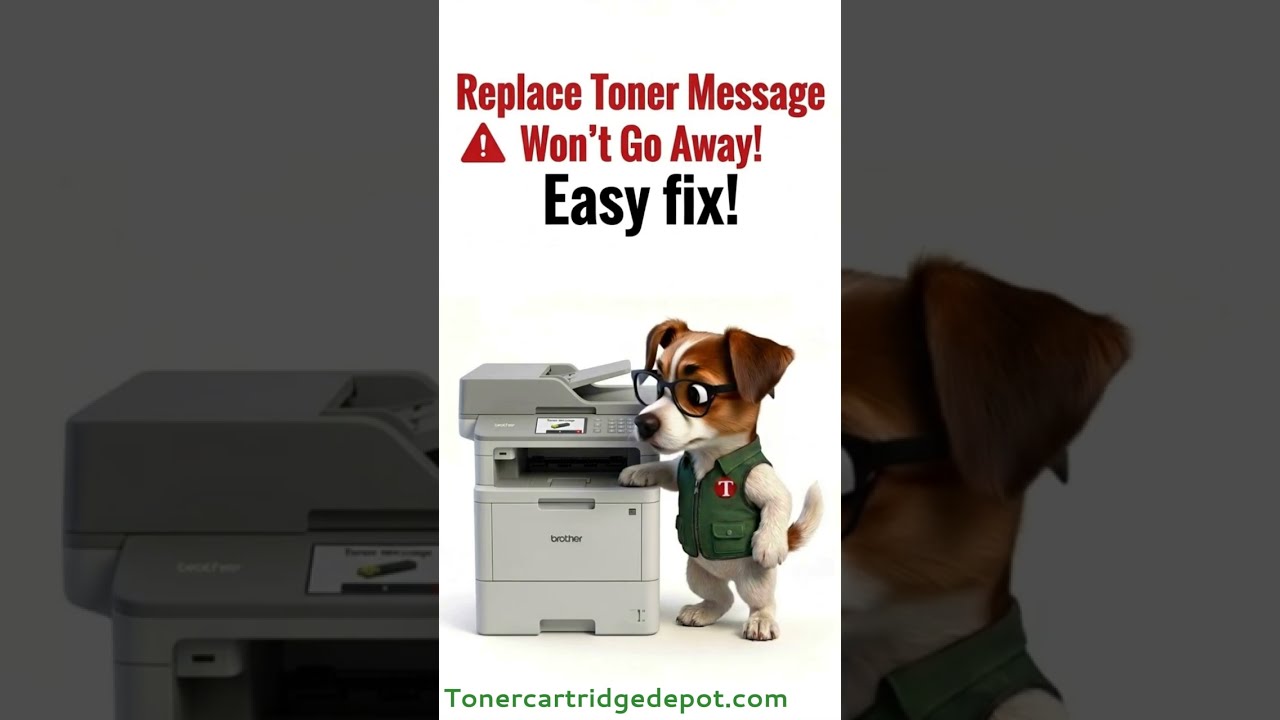
A "Toner" notice on the HL 2270 usually relates to its drum unit or toner cartridge, not a hardware fault. Open the front cover, pull out the assembly, and reinsert it firmly to clear contact errors. If the printer reports the drum is spent, swap in BRT DR420 and reset the counter; for toner, use BRT TN450.
Quick Maintenance & How-To Guides
These quick tips apply to all laser printers. While your exact model may look slightly different, the steps are identical.

Inherited from HL-2000 series

Inherited from HL-2000 series
Inherited from HL-2000 series
Inherited from HL-2000 series