
Brother HL 8360CDWT Supplies
Toner Cartridges, Maintenance Kits and Parts


2 Items


Brother TN4313PK (TN-431 3PK)
Cyan, Magenta, Yellow Genuine 3-Pack Toner Cartridge 3 x 1,800 pages
Brother TN4332PK (TN-433 2PK)
Black Genuine 2-Pack Toner Cartridge High Yield, 2 x 4,500 pages
Frequently Asked Questions
The HL 8360CDWT uses a single toner cartridge, BRT TN4332PK (BRT TN-433 2PK). All colors are also available as a Multipack.
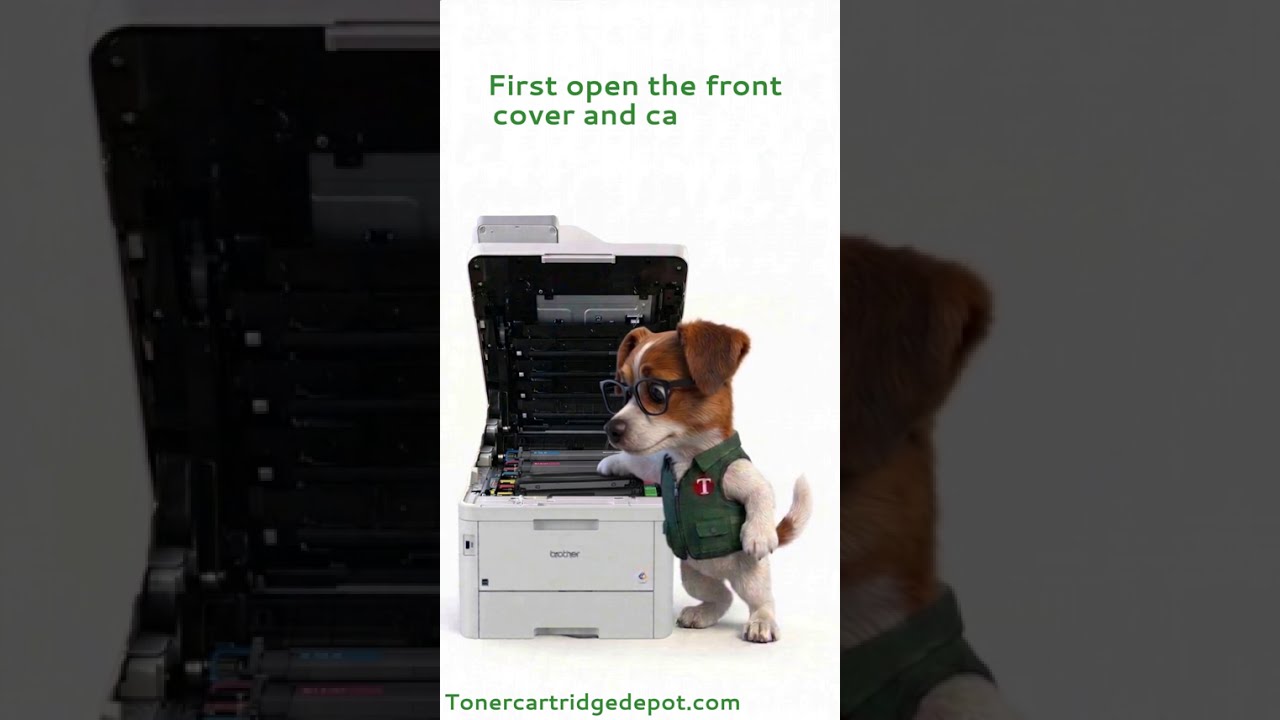
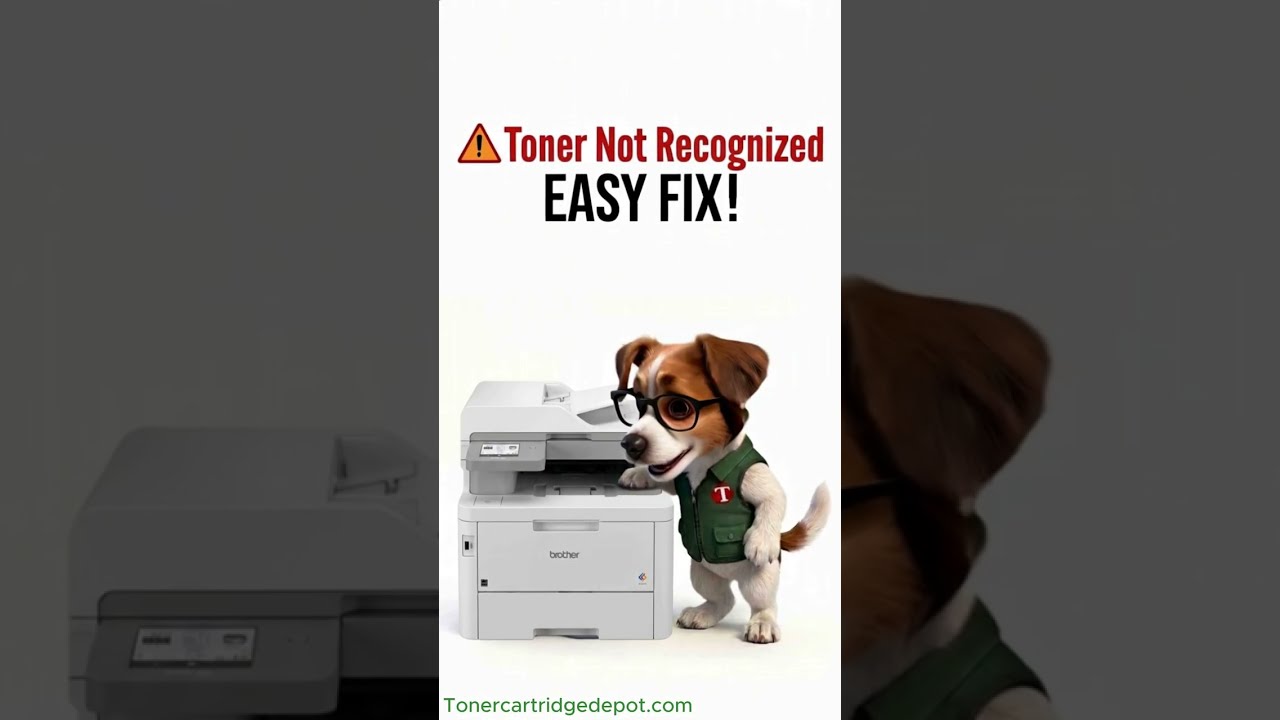
If your HL 8360CDWT shows a "Supply Problem" alert, it's usually a chip-recognition issue rather than an empty cartridge. Power the printer off for about 30 seconds, remove the cartridge the printer is flagging, reseat it firmly, and wipe its chip contacts with a dry, lint-free cloth. If the alert won't clear, replace the flagged cartridge with a fresh unit or contact our support team.
Quick Maintenance & How-To Guides
These quick tips apply to all laser printers. While your exact model may look slightly different, the steps are identical.
Inherited from HL-8000 series
Inherited from HL-8000 series

Inherited from HL-8000 series

Inherited from HL-8000 series