
Brother HL L2320D Supplies
Toner Cartridges, Maintenance Kits and Parts


6 Items

Xerox 6R3355 (006R03355)
Black Genuine Toner Cartridge 2,600 pages

Brother TN-660
Black Genuine Toner Cartridge High Yield, 2,600 pages

Brother DR-630
Genuine Drum Unit 12,000 pages

Frequently Asked Questions
The HL L2320D uses BRT TN-630, BRT TN-660, XER 6R3355 (XER 006R03355) toner cartridges. BRT TN-630 yields 1200 pages; BRT TN-660 yields 2600 pages; XER 6R3355 yields 2600 pages.
BRT TN-630 prints 1200 pages, BRT TN-660 prints 2600 pages. Choose BRT TN-660 for high-volume printing (lower cost per page); BRT TN-630 costs less upfront for occasional use.
The BRT TN-660 cartridge has an approximate yield of 2600 pages.
For BRT TN-660 you can choose Genuine Brother (BRT TN-660) or a Remanufactured option (CTC TN-660) at a lower price per page, same 2600 page yield.
Yes — the HL L2320D uses a replaceable imaging drum: BRT DR-630, CTC DR-630.
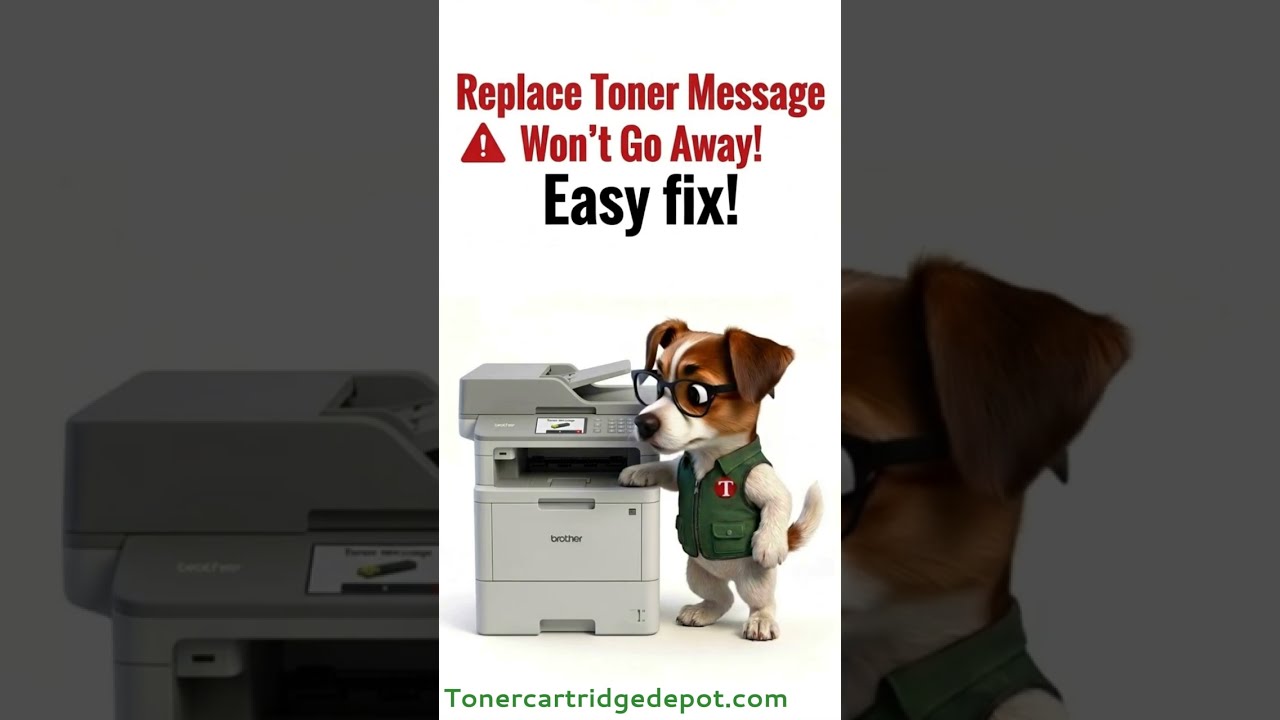
A "Toner" notice on the HL L2320D usually relates to its drum unit or toner cartridge, not a hardware fault. Open the front cover, pull out the assembly, and reinsert it firmly to clear contact errors. If the printer reports the drum is spent, swap in BRT DR-630 and reset the counter; for toner, use BRT TN-660.
Quick Maintenance & How-To Guides
These quick tips apply to all laser printers. While your exact model may look slightly different, the steps are identical.

Inherited from HL-L2000 series

Inherited from HL-L2000 series
Inherited from HL-L2000 series
Inherited from HL-L2000 series