
Brother HL L6210DWT Supplies
Toner Cartridges, Maintenance Kits and Parts


6 Items


Brother TN920XXL (920XXL)
Black Genuine Toner Cartridge Extra High Yield, 12,000 pages
Brother TN920XL (920XL)
Black Genuine Toner Cartridge High Yield, 6,000 pages
Brother TN920XL2PK
Black Genuine Toner Cartridge Multipack, 2/Pack High Yield, 2 x 12,000
Brother TN920 (TN-920)
Black Genuine Toner Cartridge Standard Yield, 3,000 pages
Brother TN920UXXL (920UXXL)
Black Genuine Toner Cartridge Ultra High Yield, 18,000 pages

Brother DR920 (DR920)
Black Genuine Drum Unit 45,000 pages
Frequently Asked Questions
The HL L6210DWT uses 5 toner cartridges, including BRT TN920, BRT TN920XL and BRT TN920XXL.
BRT TN920 (BRT TN-920) prints 3000 pages, BRT TN920UXXL (BRT 920UXXL) prints 18000 pages. Choose BRT TN920UXXL (BRT 920UXXL) for high-volume printing (lower cost per page); BRT TN920 (BRT TN-920) costs less upfront for occasional use.
The BRT TN920UXXL cartridge has an approximate yield of 18000 pages.
Yes — the HL L6210DWT uses a replaceable imaging drum: BRT DR920 (BRT DR920).
A "Toner" notice on the HL L6210DWT usually relates to its drum unit or toner cartridge, not a hardware fault. Open the front cover, pull out the assembly, and reinsert it firmly to clear contact errors. If the printer reports the drum is spent, swap in BRT DR920 and reset the counter; for toner, use BRT TN920UXXL.
Quick Maintenance & How-To Guides
These quick tips apply to all laser printers. While your exact model may look slightly different, the steps are identical.

Inherited from HL-L6000 series

Inherited from HL-L6000 series
Inherited from HL-L6000 series
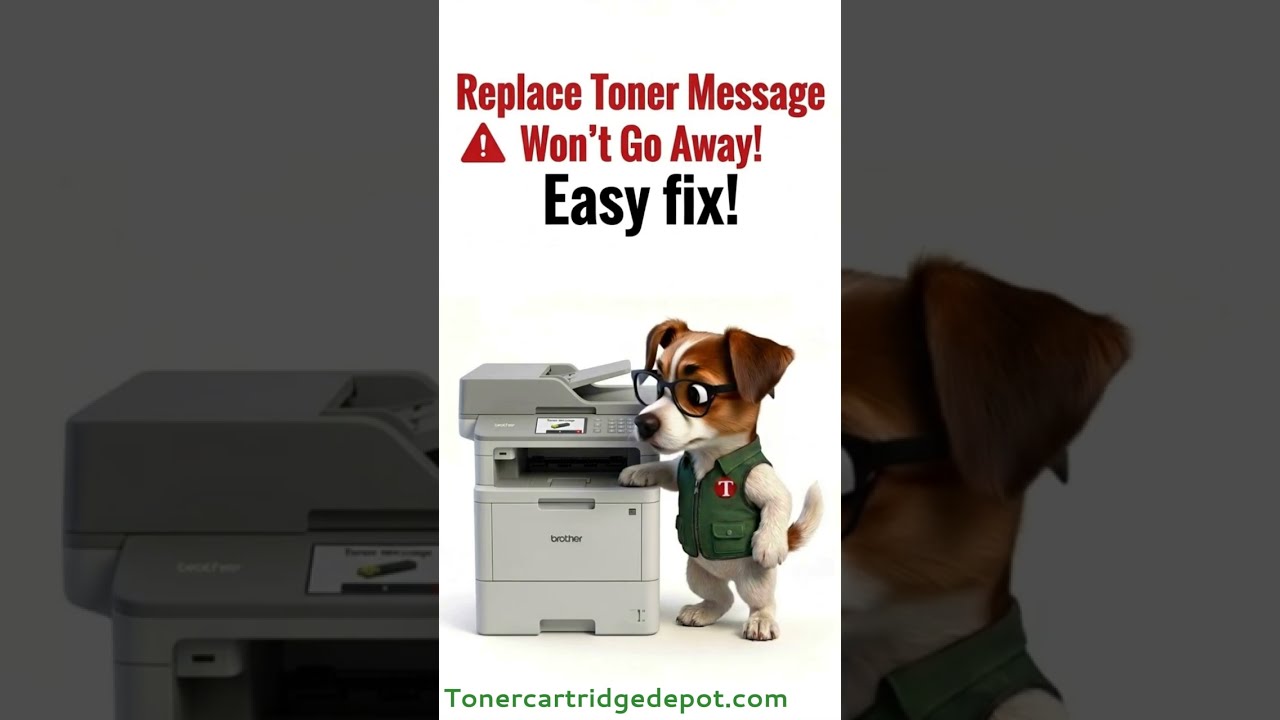
Inherited from HL-L6000 series