
Brother HL L8245CDW Supplies
Toner Cartridges, Maintenance Kits and Parts


17 Items


Brother TN229XXLBK (229XXL)
Black Genuine Toner Cartridge Extra High Yield, 4,500 pages
Brother TN229XXLC (TN229XXL)
Cyan Genuine Toner Cartridge Extra High Yield, 4,000 pages
Brother TN229XXLM (TN229XXL)
Magenta Genuine Toner Cartridge Extra High Yield, 4,000 pages
Brother TN229XXLY (TN229XXL)
Yellow Genuine Toner Cartridge Extra High Yield, 4,000 pages
Brother TN229XL2PK
Black Genuine OEM Toner Black 6000 Pages High Yield High Yield, 3000 pages
Brother TN229XLBK (229XL)
Black Genuine Toner Cartridge High Yield, 3,000 pages
Brother TN229XLC (229XL)
Cyan Genuine Toner Cartridge High Yield, 2,300 pages
Brother TN229XLM (229XL)
Magenta Genuine Toner Cartridge High Yield, 2,300 pages
Brother TN229XLY (229XL)
Yellow Genuine Toner Cartridge High Yield, 2,300 pages
Brother TN229BK
Black Genuine Toner Cartridge Standard Yield, 1,400 pages
Brother TN229C
Cyan Genuine Toner Cartridge Standard Yield, 1,200 pages
Brother TN2294PK (229 4)
Cyan, Magenta, Yellow, Black Genuine Multipack Standard Yield, 1200 x 3, 1500 x 1
Brother TN229M
Magenta Genuine Toner Cartridge Standard Yield, 1,200 pages
Brother TN229Y
Yellow Genuine Toner Cartridge Standard Yield, 1,200 pages

Brother BU229CL
Genuine Transfer Belt 150,000 pages
Brother WT229CL
Genuine Waste Toner Box 50,000 pages
Get a notification of availability
Brother DR229CL
Genuine Drum Unit
Frequently Asked Questions
The HL L8245CDW uses 13 toner cartridges — black: BRT TN229BK, BRT TN229XLBK, BRT TN229XXLBK, BRT TN229XL2PK; cyan: BRT TN229C, BRT TN229XLC, BRT TN229XXLC; magenta: BRT TN229M, BRT TN229XLM, BRT TN229XXLM; yellow: BRT TN229Y, BRT TN229XLY, BRT TN229XXLY. All colors are also available as a Multipack.
Black: BRT TN229BK prints 1400 pages, BRT TN229XXLBK (BRT 229XXL) prints 4500 pages. Choose BRT TN229XXLBK (BRT 229XXL) for high-volume printing (lower cost per page); BRT TN229BK costs less upfront for occasional use. Color: BRT TN229C prints 1200 pages, BRT TN229XXLC (BRT TN229XXL) prints 4000 pages. Choose BRT TN229XXLC (BRT TN229XXL) for high-volume printing (lower cost per page); BRT TN229C costs less upfront for occasional use.
The BRT TN229XXLBK cartridge has an approximate yield of 4500 pages.
Approximate color cartridge yields: BRT TN229C (~1200 pages), BRT TN229M (~1200 pages), BRT TN229Y (~1200 pages), BRT TN229XLC (BRT 229XL, ~2300 pages), BRT TN229XLM (BRT 229XL, ~2300 pages), BRT TN229XLY (BRT 229XL, ~2300 pages), BRT TN229XXLC (BRT TN229XXL, ~4000 pages), BRT TN229XXLM (BRT TN229XXL, ~4000 pages), BRT TN229XXLY (BRT TN229XXL, ~4000 pages).
Yes — the HL L8245CDW uses a replaceable imaging drum: BRT DR229CL.
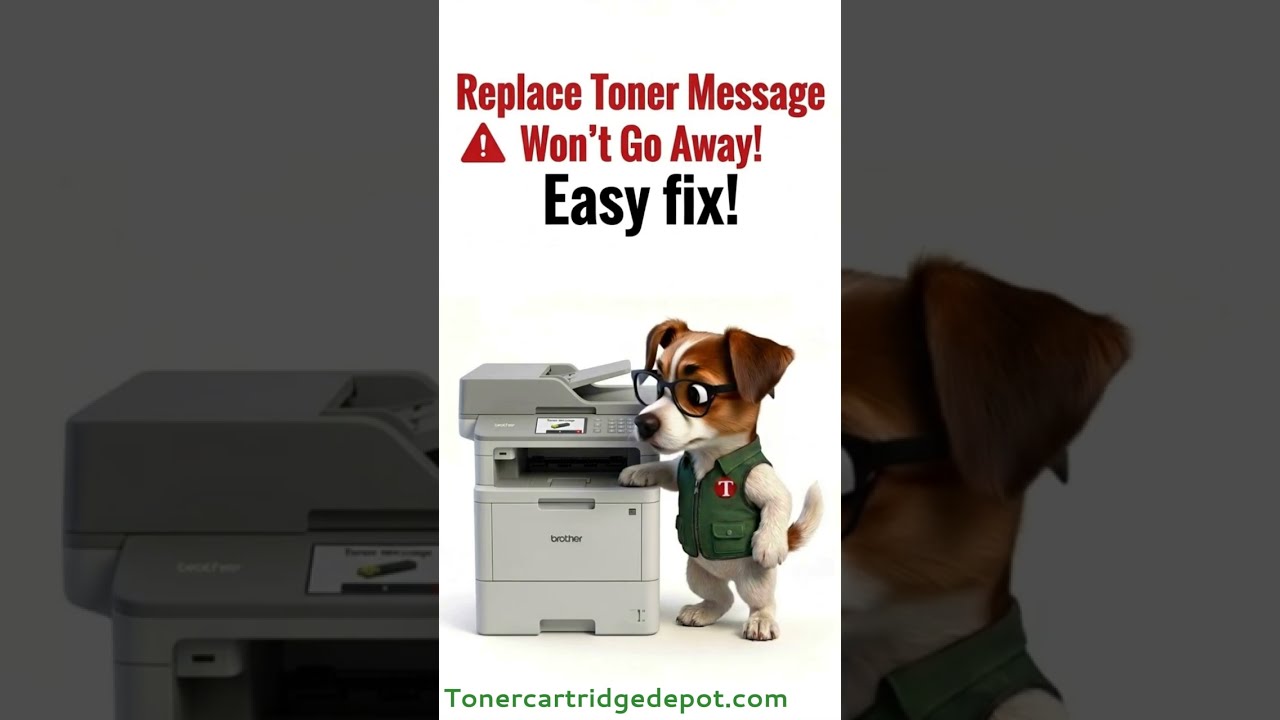
Because the HL L8245CDW separates toner from a shared BRT DR229CL drum unit, a "Toner" alert means checking both. Open the front cover, remove the drum-and-toner assembly, and reseat the reported toner cartridge. Toner low or unreadable? Fit a fresh cartridge in that colour. Drum spent? Install a new BRT DR229CL and reset the drum counter.
Quick Maintenance & How-To Guides
These quick tips apply to all laser printers. While your exact model may look slightly different, the steps are identical.

Inherited from HL-L8000 series

Inherited from HL-L8000 series
Inherited from HL-L8000 series
Inherited from HL-L8000 series