
Brother MFC 6800 RF Supplies
Toner Cartridges, Maintenance Kits and Parts


4 Items


Brother DR250 (DR-250)
Black Genuine Drum 20,000 pages


Remanufactured DR250
Remanufactured Imaging Drum 12,000 pages
Frequently Asked Questions
The MFC 6800 RF uses a single toner cartridge, BRT TN250 (BRT TN-250). BRT TN250 yields 3300 pages.
CTC TN250 prints 2200 pages, BRT TN250 (BRT TN-250) prints 3300 pages. Choose BRT TN250 (BRT TN-250) for high-volume printing (lower cost per page); CTC TN250 costs less upfront for occasional use.
The BRT TN250 cartridge has an approximate yield of 3300 pages.
Yes — the MFC 6800 RF uses a replaceable imaging drum: BRT DR250 (BRT DR-250), CTC DR250.
On the MFC 6800 RF, a "Toner" message can come from either the toner cartridge or the separate drum unit. First reseat the toner cartridge and power-cycle the printer for 30 seconds. If the warning is drum-related, reset the drum counter from the printer menu; when the drum is genuinely worn, install a new BRT DR250. For toner issues, a fresh BRT TN250 resolves it.
Quick Maintenance & How-To Guides
These quick tips apply to all laser printers. While your exact model may look slightly different, the steps are identical.
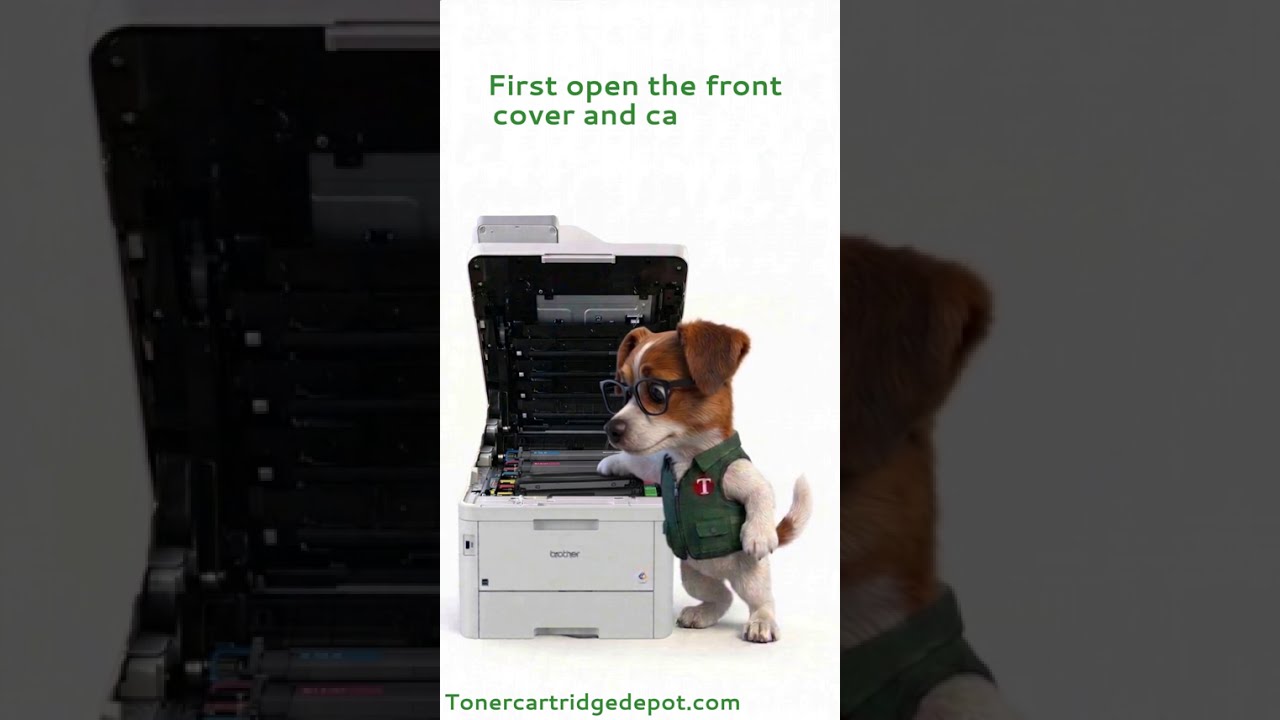
Inherited from MFC-6000 series
Inherited from MFC-6000 series

Inherited from MFC-6000 series

Inherited from MFC-6000 series