
Brother MFC L2759DW Supplies
Toner Cartridges, Maintenance Kits and Parts


4 Items


Brother TN-770 (TN770)
Black Genuine Toner Cartridge Extra High Yield, 4,500 pages
Brother TN-760 (TN760)
Black Genuine Toner Cartridge High Yield, 3,000 pages

Brother DR-730 (DR730)
Black Genuine Drum Unit 12,000 pages
Frequently Asked Questions
The MFC L2759DW uses BRT TN-730 (BRT TN730), BRT TN-760 (BRT TN760), BRT TN-770 (BRT TN770) toner cartridges. BRT TN-730 yields 1200 pages; BRT TN-760 yields 3000 pages; BRT TN-770 yields 4500 pages.
BRT TN-730 (BRT TN730) prints 1200 pages, BRT TN-770 (BRT TN770) prints 4500 pages. Choose BRT TN-770 (BRT TN770) for high-volume printing (lower cost per page); BRT TN-730 (BRT TN730) costs less upfront for occasional use.
The BRT TN-770 cartridge has an approximate yield of 4500 pages.
Yes — the MFC L2759DW uses a replaceable imaging drum: BRT DR-730 (BRT DR730).
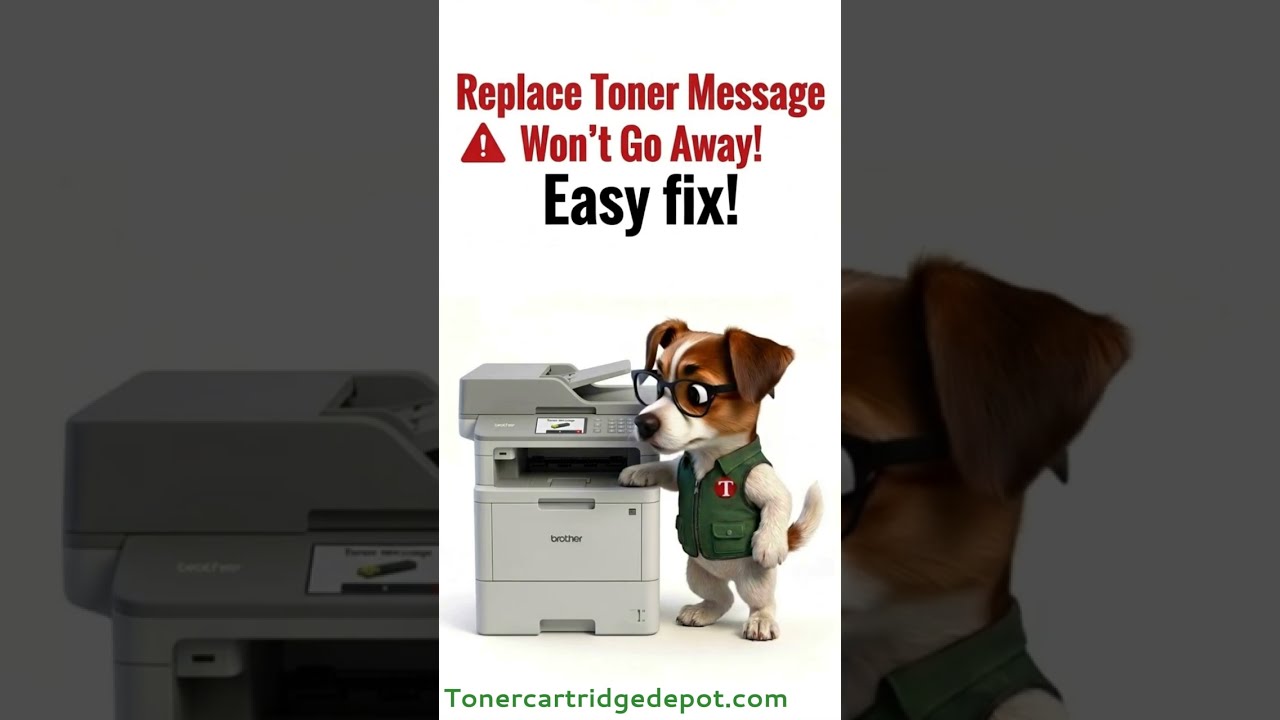
On the MFC L2759DW, a "Toner" message can come from either the toner cartridge or the separate drum unit. First reseat the toner cartridge and power-cycle the printer for 30 seconds. If the warning is drum-related, reset the drum counter from the printer menu; when the drum is genuinely worn, install a new BRT DR-730. For toner issues, a fresh BRT TN-770 resolves it.
Quick Maintenance & How-To Guides
These quick tips apply to all laser printers. While your exact model may look slightly different, the steps are identical.

Inherited from MFC-L2000 series

Inherited from MFC-L2000 series
Inherited from MFC-L2000 series
Inherited from MFC-L2000 series