
Brother MFC L3270CDW Supplies
Toner Cartridges, Maintenance Kits and Parts


7 Items


Brother TN229XLBK (229XL)
Black Genuine Toner Cartridge High Yield, 3,000 pages
Brother TN229XLC (229XL)
Cyan Genuine Toner Cartridge High Yield, 2,300 pages
Brother TN229XLM (229XL)
Magenta Genuine Toner Cartridge High Yield, 2,300 pages
Brother TN229XLY (229XL)
Yellow Genuine Toner Cartridge High Yield, 2,300 pages

Brother BU229CL
Genuine Transfer Belt 150,000 pages
Brother DR229CL
Genuine Drum Unit
Brother WT229CL
Genuine Waste Toner Box 50,000 pages
Get a notification of availability
Frequently Asked Questions
The MFC L3270CDW uses BRT TN229XLBK (BRT 229XL), BRT TN229XLC (BRT 229XL), BRT TN229XLM (BRT 229XL), BRT TN229XLY (BRT 229XL) toner cartridges. BRT TN229XLBK yields 3000 pages; BRT TN229XLC yields 2300 pages; BRT TN229XLM yields 2300 pages; BRT TN229XLY yields 2300 pages.
The BRT TN229XLBK cartridge has an approximate yield of 3000 pages.
Approximate color cartridge yields: BRT TN229XLC (BRT 229XL, ~2300 pages), BRT TN229XLM (BRT 229XL, ~2300 pages), BRT TN229XLY (BRT 229XL, ~2300 pages).
Yes — the MFC L3270CDW uses a replaceable imaging drum: BRT DR229CL.
A "Toner" notice on the MFC L3270CDW usually relates to a colour toner cartridge or the drum, not a hardware fault. Reinsert the assembly firmly to clear contact errors; if the printer flags a specific colour, replace that toner cartridge. If it reports the drum is spent, swap in BRT DR229CL and reset the counter.
Quick Maintenance & How-To Guides
These quick tips apply to all laser printers. While your exact model may look slightly different, the steps are identical.
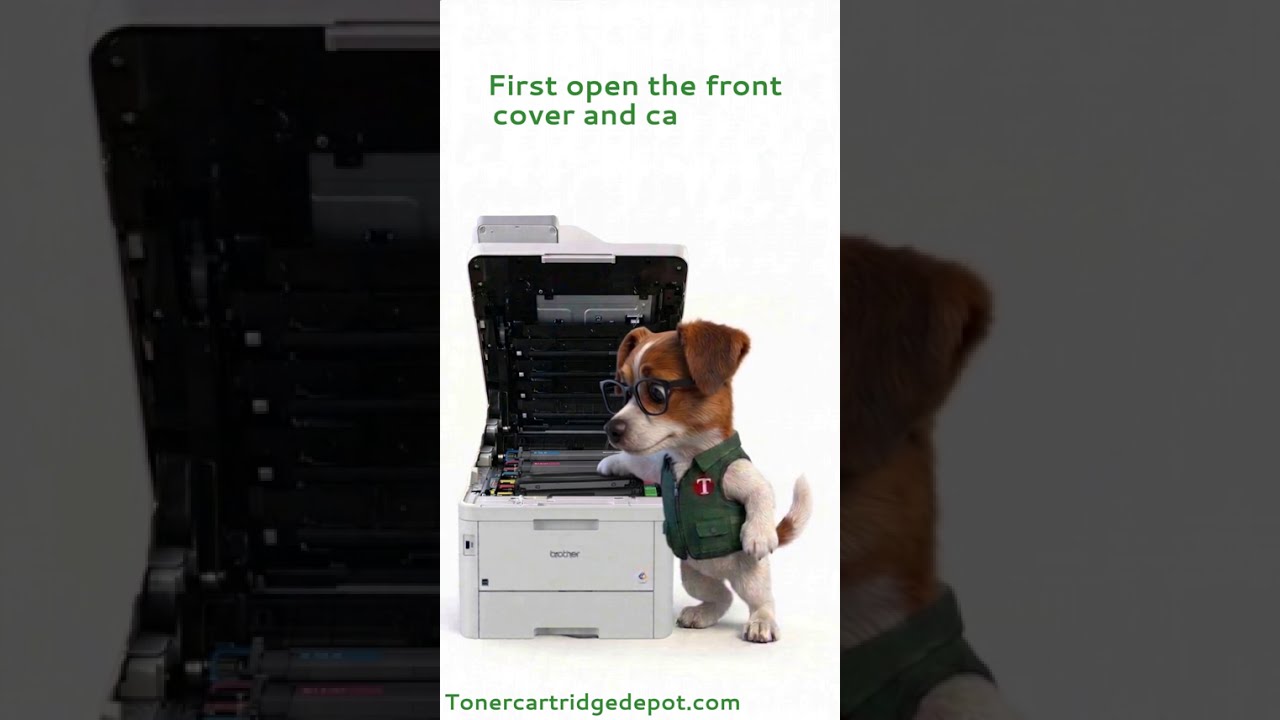
Inherited from MFC-L3000 series
Inherited from MFC-L3000 series

Inherited from MFC-L3000 series
Inherited from MFC-L3000 series