
Brother MFC L5710DW Supplies
Toner Cartridges, Maintenance Kits and Parts


5 Items


Brother TN920XXL (920XXL)
Black Genuine Toner Cartridge Extra High Yield, 12,000 pages
Brother TN920XL (920XL)
Black Genuine Toner Cartridge High Yield, 6,000 pages
Brother TN920XL2PK
Black Genuine Toner Cartridge Multipack, 2/Pack High Yield, 2 x 12,000
Brother TN920 (TN-920)
Black Genuine Toner Cartridge Standard Yield, 3,000 pages

Brother DR920 (DR920)
Black Genuine Drum Unit 45,000 pages
Frequently Asked Questions
The MFC L5710DW uses BRT TN920 (BRT TN-920), BRT TN920XL (BRT 920XL), BRT TN920XXL (BRT 920XXL), BRT TN920XL2PK toner cartridges. BRT TN920 yields 3000 pages; BRT TN920XL yields 6000 pages; BRT TN920XXL yields 12000 pages.
BRT TN920 (BRT TN-920) prints 3000 pages, BRT TN920XXL (BRT 920XXL) prints 12000 pages. Choose BRT TN920XXL (BRT 920XXL) for high-volume printing (lower cost per page); BRT TN920 (BRT TN-920) costs less upfront for occasional use.
The BRT TN920XXL cartridge has an approximate yield of 12000 pages.
Yes — the MFC L5710DW uses a replaceable imaging drum: BRT DR920 (BRT DR920).
Because the MFC L5710DW uses a two-part system — a toner cartridge plus a separate BRT DR920 drum unit — a "Toner" alert means checking both. Remove the drum-and-toner assembly, separate the two parts, and reseat each one. Toner low or unreadable? Replace BRT TN920XXL. Drum life exhausted? Fit a new BRT DR920 and reset the drum counter.
Quick Maintenance & How-To Guides
These quick tips apply to all laser printers. While your exact model may look slightly different, the steps are identical.
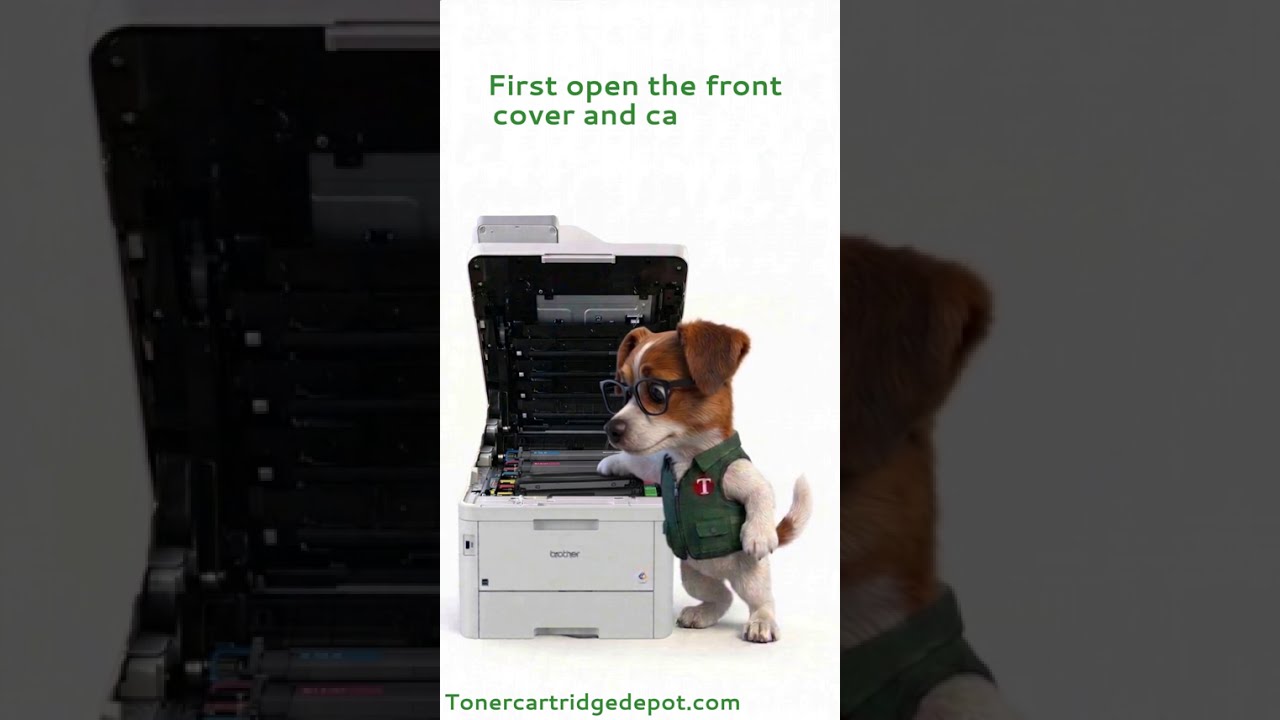
Inherited from MFC-L5000 series
Inherited from MFC-L5000 series

Inherited from MFC-L5000 series

Inherited from MFC-L5000 series