
HP Color LaserJet 8550mfp Supplies
8550mfp Specifications
| Print speed: | 24 ppm in black & 6 ppm in color |
| Print resolution: | 600 x 600 dpi |
| Recommended monthly volume: | 60,000 pages |
| Memory: | 64 MB RAM, up to 512 MB |
| Hard drive: | 3.2 GB |
| Duplex printing: | Standard |
| Paper handling: |
|
| Interface: |
|
| OS compatibility: |
|
| Dimensions: | 31 x 26 x 43 in. |
Toner Cartridges, Maintenance Kits and Parts


12 Items


HP C4149A
Black Genuine Toner Cartridge Standard Yield, 17,000 pages
HP C4150A
Cyan Genuine Toner Cartridge Standard Yield, 8,500 pages
HP C4151A
Magenta Genuine Toner Cartridge Standard Yield, 8,500 pages
HP C4152A
Yellow Genuine Toner Cartridge Standard Yield, 8,500 pages

HP C4154A
Genuine Transfer Kit Standard Yield, 150,000 (b/w) or 75,000 (color)
HP C4155A
Genuine Fuser Kit Standard Yield, 100,000 pages, 110 volt
HP C4156A
Genuine Fuser Kit Standard Yield, 100,000 pages, 220 volt
HP C4153A
Black/Color Genuine Drum Kit Standard Yield, 50,000 (b/w) or 12,500 (color)

Remanufactured C4149A
Black Remanufactured Toner Cartridge Standard Yield, 17,000 pages
Remanufactured C4150A
Cyan Remanufactured Toner Cartridge Standard Yield, 8,500 pages
Remanufactured C4151A
Magenta Remanufactured Toner Cartridge Standard Yield, 8,500 pages
Remanufactured C4152A
Yellow Remanufactured Toner Cartridge Standard Yield, 8,500 pages
Frequently Asked Questions
The Color LaserJet 8550mfp uses HP C4151A, HP C4152A, HP C4150A, HP C4149A toner cartridges. HP C4151A yields 8500 pages; HP C4152A yields 8500 pages; HP C4150A yields 8500 pages; HP C4149A yields 17000 pages.
The HP C4149A cartridge has an approximate yield of 17000 pages.
Approximate color cartridge yields: HP C4151A (~8500 pages), HP C4152A (~8500 pages), HP C4150A (~8500 pages), CTC C4150A (~8500 pages), CTC C4152A (~8500 pages), CTC C4151A (~8500 pages).
For HP C4151A you can choose Genuine HP (HP C4151A) or a Remanufactured option (CTC C4151A) at a lower price per page, same 8500 page yield. For HP C4152A you can choose Genuine HP (HP C4152A) or a Remanufactured option (CTC C4152A) at a lower price per page, same 8500 page yield. For HP C4150A you can choose Genuine HP (HP C4150A) or a Remanufactured option (CTC C4150A) at a lower price per page, same 8500 page yield. For HP C4149A you can choose Genuine HP (HP C4149A) or a Remanufactured option (CTC C4149A) at a lower price per page, same 17000 page yield.
Yes — the Color LaserJet 8550mfp uses a replaceable imaging drum: HP C4153A.
Yes — the replacement fuser for the Color LaserJet 8550mfp is: HP C4155A, HP C4156A.
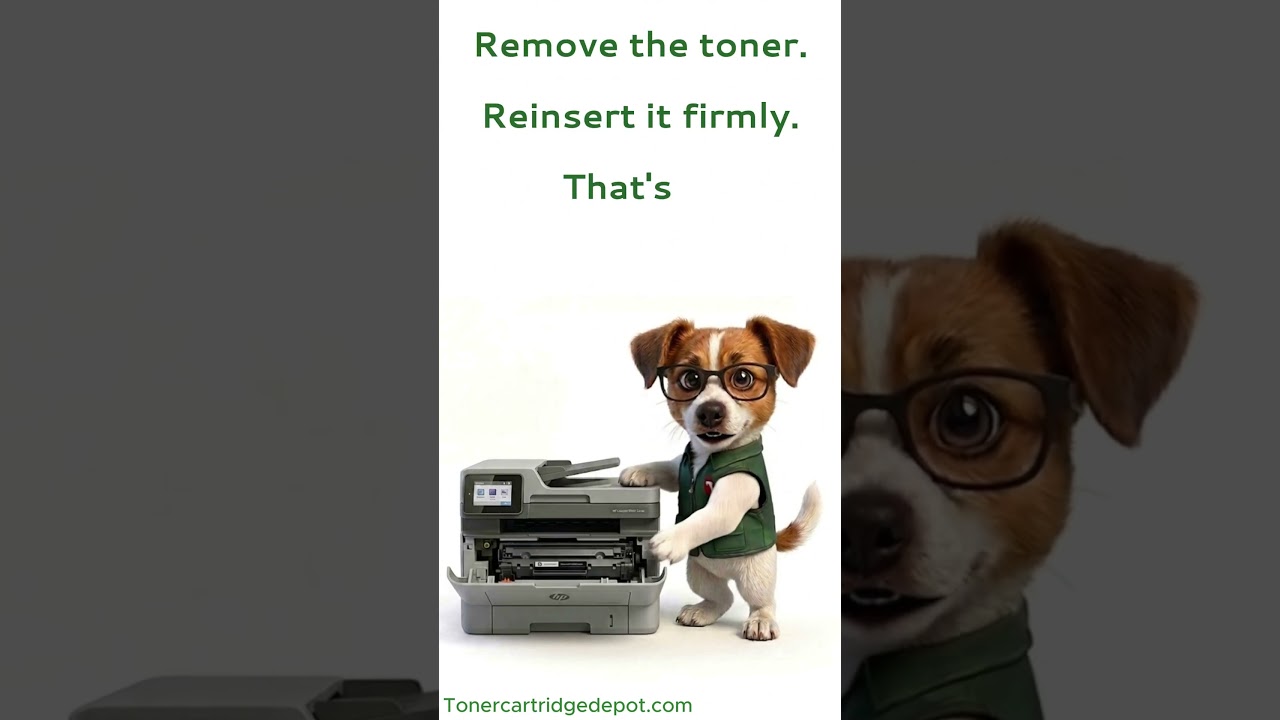
A "Supply Problem" message on the Color LaserJet 8550mfp often means the printer can't read one of the colour cartridges. Turn it off for 30 seconds, then reseat the cartridge for the colour being reported and gently clean its gold chip contacts with a dry cloth. When the warning keeps returning, install a new cartridge in the reported colour and the printer should recognise it.
Quick Maintenance & How-To Guides
These quick tips apply to all laser printers. While your exact model may look slightly different, the steps are identical.

Inherited from Color LaserJet 8000 series

Inherited from Color LaserJet 8000 series

Inherited from Color LaserJet 8000 series
Inherited from Color LaserJet 8000 series