
HP Color LaserJet CM1015 Supplies
Toner Cartridges, Maintenance Kits and Parts


15 Items

Xerox 6R1410
Black Genuine Toner Cartridge Standard Yield, 2,500 pages
Xerox 6R1411
Cyan Genuine Toner Cartridge Standard Yield, 2,000 pages
Xerox 6R1412
Magenta Genuine Toner Cartridge Standard Yield, 2,000 pages
Xerox 6R1413
Yellow Genuine Toner Cartridge Standard Yield, 2,000 pages

HP Q6000A (124A)
Black Genuine Toner Cartridge Standard Yield, 2,500 pages
HP Q6001A (124A)
Cyan Genuine Toner Cartridge Standard Yield, 2,000 pages
HP Q6003A (124A)
Magenta Genuine Toner Cartridge Standard Yield, 2,000 pages
HP Q6002A (124A)
Yellow Genuine Toner Cartridge Standard Yield, 2,000 pages

HP RM1-4310
Genuine Fuser (Fixing) Unit Standard Yield, 110 volt

Remanufactured RM1-1885
Remanufactured Electrostatic Transfer Belt Assembly Standard Yield
Get a notification of availability
Remanufactured Q6001A
Cyan Remanufactured Toner Cartridge Standard Yield, 2,000 pages
Remanufactured Q6003A
Magenta Remanufactured Toner Cartridge Standard Yield, 2,000 pages
Remanufactured Q6002A
Yellow Remanufactured Toner Cartridge Standard Yield, 2,000 pages
Frequently Asked Questions
The Color LaserJet CM1015 uses 8 toner cartridges — black: HP Q6000A, XER 6R1410; cyan: HP Q6001A, XER 6R1411; yellow: HP Q6002A, XER 6R1413; magenta: HP Q6003A, XER 6R1412. All colors are also available as a Multipack.
The HP Q6000A cartridge has an approximate yield of 2500 pages.
Approximate color cartridge yields: HP Q6001A (HP 124A, ~2000 pages), HP Q6002A (HP 124A, ~2000 pages), HP Q6003A (HP 124A, ~2000 pages), CTC Q6001A (~2000 pages), CTC Q6002A (~2000 pages), CTC Q6003A (~2000 pages), XER 6R1411 (~2000 pages), XER 6R1412 (~2000 pages), XER 6R1413 (~2000 pages).
For HP Q6000A you can choose Genuine HP (HP Q6000A (HP 124A)) or a Remanufactured option (CTC Q6000A), same 2500 page yield. For HP Q6001A you can choose Genuine HP (HP Q6001A (HP 124A)) or a Remanufactured option (CTC Q6001A) at a lower price per page, same 2000 page yield. For HP Q6002A you can choose Genuine HP (HP Q6002A (HP 124A)) or a Remanufactured option (CTC Q6002A) at a lower price per page, same 2000 page yield. For HP Q6003A you can choose Genuine HP (HP Q6003A (HP 124A)) or a Remanufactured option (CTC Q6003A) at a lower price per page, same 2000 page yield.
Yes — the replacement fuser for the Color LaserJet CM1015 is: HP RM1-4310.
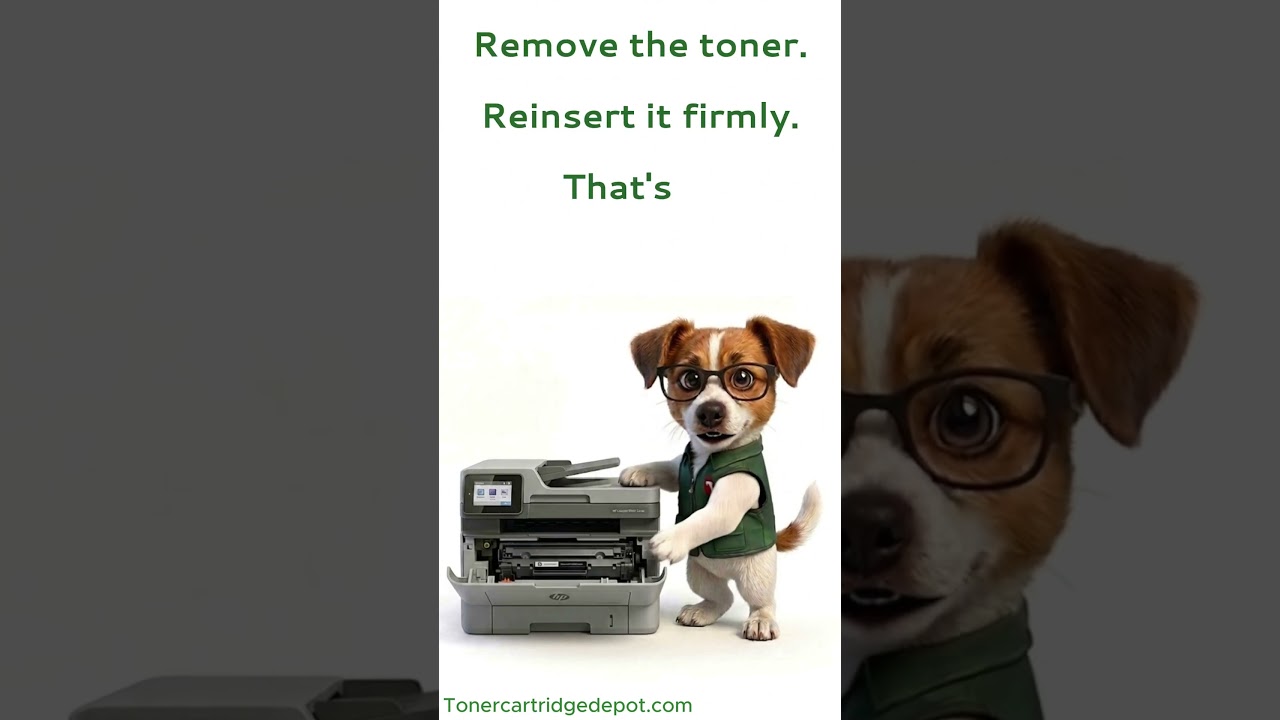
The "Supply Problem" notice on the Color LaserJet CM1015 is typically a recognition fault on one of the colour cartridges, not a defect. Switch off for 30 seconds, reseat the reported cartridge, clean its contacts with a dry cloth, and power back on. If nothing changes, replace the cartridge for the colour the printer flags.
Quick Maintenance & How-To Guides
These quick tips apply to all laser printers. While your exact model may look slightly different, the steps are identical.

Inherited from Color LaserJet CM1000 series
Inherited from Color LaserJet CM1000 series

Inherited from Color LaserJet CM1000 series

Inherited from Color LaserJet CM1000 series