
HP LaserJet 1022 Supplies
Briefly On The Device
| Type of printing | Black & white |
| Printing technology | Laser |
| Recommended monthly duty | 8,000 |
| Designed for | Small offices |
| Maximum paper format | A4 |
| Duplex printing | Manual |
| Resolution | 1200x1200 dpi |
| Printing speed | 18 pages per minute |
| First page out time | 8 seconds |
| Paper handling | Input: 250 sheets Output: 150 sheets Manual feed tray: 10 sheets |
| Interfaces | USB 2.0 |
| Memory capacity | 8 MB |
| OS compatibility | Windows, Linux, Mac OS |
| Consumed power (in operation / in stand-by) | 300 W / 2 W |
| Noise level in operation mode | 62 dB |
HP LaserJet 1022 represents a series of very affordable and compact laser printers for the companies that care most of all about the the price of the device. Any organization can afford these high-quality laser devices. One of the smallest laser printers from all available in the market - saves the valuable desktop space and can be installed exactly where it will best serve the needs of the organization to ensure professional quality business printing.
Toner Cartridges, Maintenance Kits and Parts


11 Items

Troy 0281132001
Genuine Toner Cartridge Standard Yield, 2,000 pages
Troy 02-81132-001
Black Genuine MICR Toner Cartridge Standard Yield, 2,000 pages

HP Q2612X (12X)
Black Genuine Toner Cartridge High Yield, 3,000 pages
HP Q2612A (12A)
Black Genuine Toner Cartridge Standard Yield, 2,000 pages
HP Q2612D (12A)
Black Genuine 2-Pack Toner Cartridge Standard Yield, 4,000 pages

HP RM1-0658
Genuine Transfer Roller Standard Yield

Frequently Asked Questions
The LaserJet 1022 uses 8 toner cartridges, including HP Q2612A, TRO 0281132001 and DPS DPC12AP.
HP Q2612A (HP 12A) prints 2000 pages, HP Q2612D (HP 12A) prints 4000 pages.
The CTC Q2612X cartridge has an approximate yield of 3000 pages.
For HP Q2612A you can choose Genuine HP (HP Q2612A (HP 12A)) or a Remanufactured option (CTC Q2612A), same 2000 page yield. For HP Q2612X you can choose Genuine HP (HP Q2612X (HP 12X)) or a Remanufactured option (CTC Q2612X (CTC 12X)) at a lower price per page, same 3000 page yield.
Yes — MICR (magnetic) toner is available: TRO 02-81132-001.
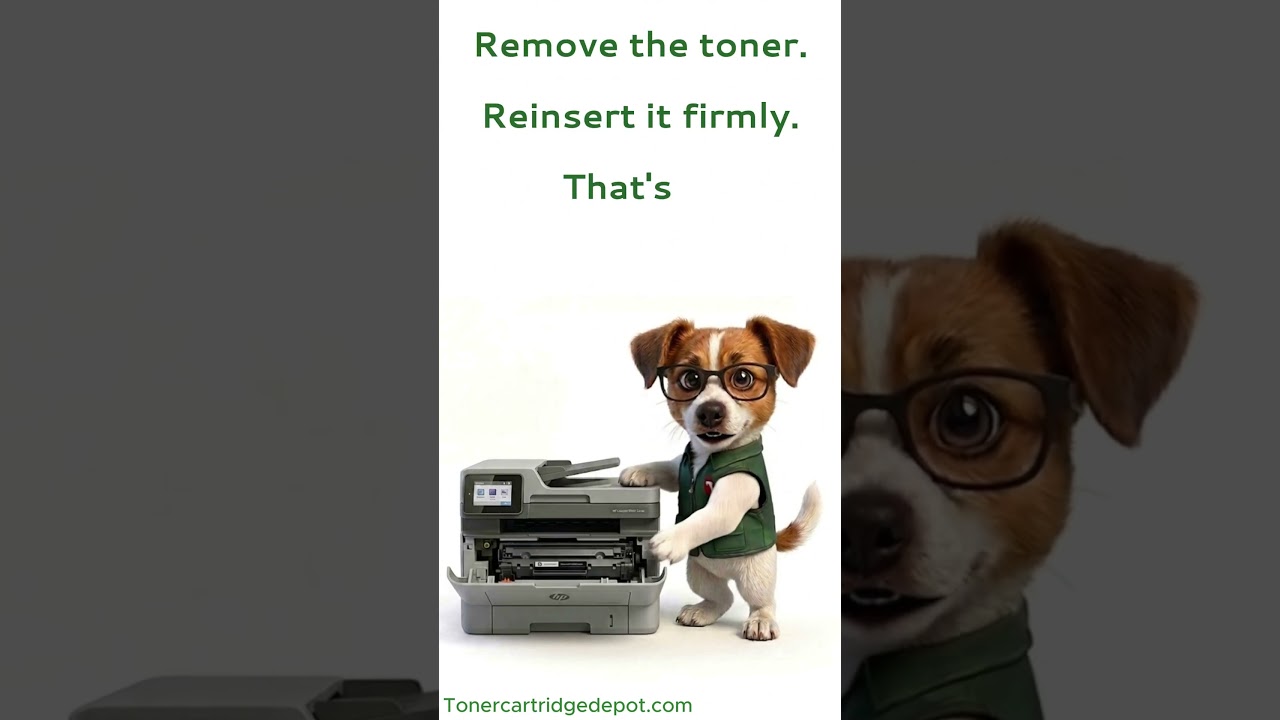
"Supply Problem" on the LaserJet 1022 is most often a chip-read issue. Power off for 30 seconds to reset the printer's memory, reseat the cartridge, and wipe the contact strip with a dry cloth (never anything damp). If the alert won't clear, replace it with CTC Q2612X or get in touch with support.
Quick Maintenance & How-To Guides
These quick tips apply to all laser printers. While your exact model may look slightly different, the steps are identical.

Inherited from LaserJet 1000 series
Inherited from LaserJet 1000 series

Inherited from LaserJet 1000 series

Inherited from LaserJet 1000 series