
HP LaserJet 1300 Supplies
The HP LaserJet 1300 and 1300n produce the kind of documents busy professionals require, providing beautiful 1220 x 1200 dpi output at speeds up to 20ppm. The HP LaserJet 1300 Series Printers put the power at your fingertips, with HP efficiency from start to finish.
HP LaserJet 1300 Specification
| Print speed: | 20 ppm |
| Print resolution: | 1200 dpi |
| Recommended monthly volume: | 10,000 pages |
| Memory: | 16 MB RAM, up to 80 MB |
| Duplex printing: | Manual |
| Paper handling: | 250-sheet enclosed input tray |
| Interface: | USB, LPT |
| Compatibility: | Microsoft Windows 95/98SE/2000/Me/NT4.0/XP; Mac OS 9.x/X |
| Dimensions: | 16.3 x 19.1 x 9.5 in. |
Toner Cartridges, Maintenance Kits and Parts


11 Items

Xerox 6R3200
Black Genuine Toner Cartridge Extra High Yield, 8,000 pages
IBM 75P6474
Black Genuine Toner Cartridge Standard Yield, 4,000 pages

HP Q2613X (13X)
Black Genuine Toner Cartridge High Yield, 4,000 pages
HP Q2613XM
Black Genuine MICR Toner Cartridge High Yield, 4,000 pages
HP Q2613A (13A)
Black Genuine Toner Cartridge Standard Yield, 2,500 pages

Remanufactured Q2613X
Black Remanufactured Printer Cartridge Standard Yield, 4,000 pages
Remanufactured Q2613XM
Black Remanufactured MICR Printer Cartridge Standard Yield, 4,000 pages
Frequently Asked Questions
The LaserJet 1300 uses 8 toner cartridges, including HP Q2613A, HP Q2613X and HP Q2613XM.
HP Q2613A (HP 13A) prints 2500 pages, XER 6R3200 prints 8000 pages.
The XER 6R3200 cartridge has an approximate yield of 8000 pages.
For HP Q2613A you can choose Genuine HP (HP Q2613A (HP 13A)) or a Remanufactured option (CTC Q2613A), same 2500 page yield. For HP Q2613X you can choose Genuine HP (HP Q2613X (HP 13X)) or a Remanufactured option (CTC Q2613X), same 4000 page yield. For HP Q2613XM you can choose Genuine HP (HP Q2613XM) or a Remanufactured option (CTC Q2613XM) at a lower price per page, same 4000 page yield.
Yes — MICR (magnetic) toner is available: CTC Q2613XM, HP Q2613XM.
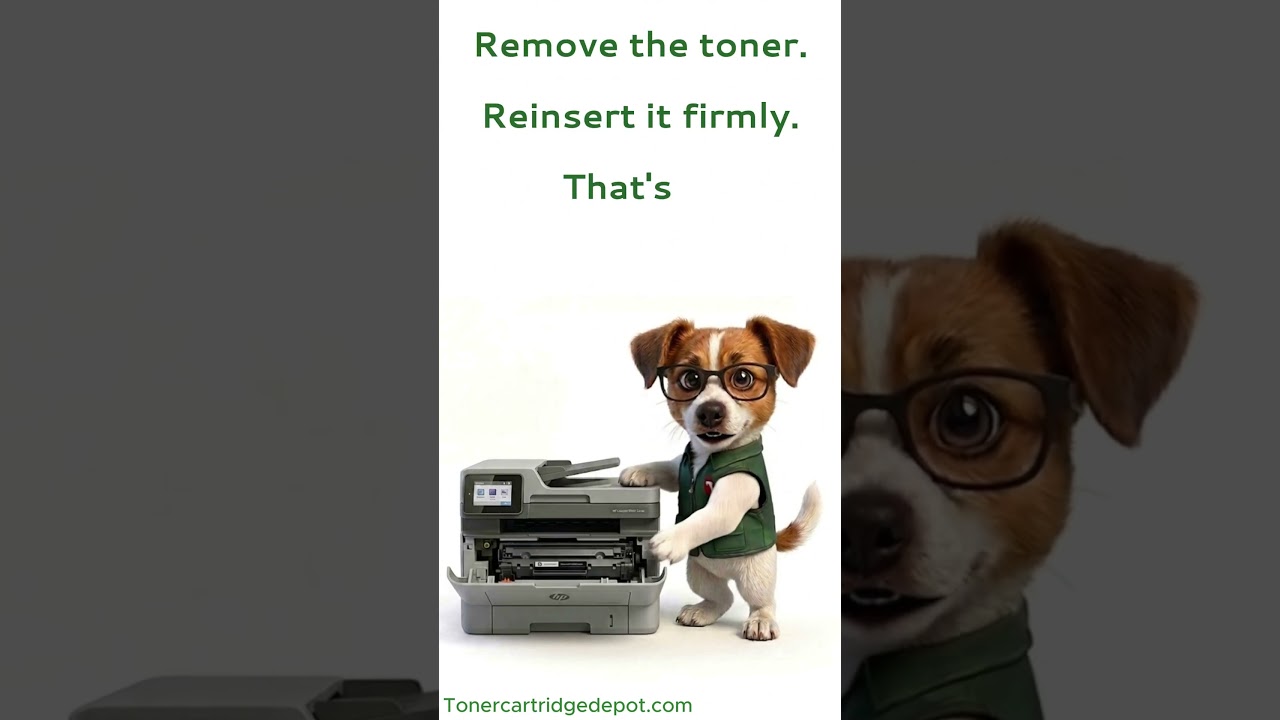
A "Supply Problem" message on the LaserJet 1300 usually points to a chip-communication hiccup rather than an empty cartridge. Power-cycle the printer (off for 30 seconds, then on), reseat the cartridge until it clicks into place, and gently clean the gold chip contacts with a dry cloth. If the message returns, a replacement XER 6R3200 will clear it.
Quick Maintenance & How-To Guides
These quick tips apply to all laser printers. While your exact model may look slightly different, the steps are identical.

Inherited from LaserJet 1000 series
Inherited from LaserJet 1000 series

Inherited from LaserJet 1000 series

Inherited from LaserJet 1000 series