
HP LaserJet 3300 Supplies
3300mfp Specifications
| Print speed: | 15 ppm |
| Print resolution: | 1200x1200 dpi |
| Recommended monthly volume: | 10,000 pages |
| Memory: | 32 MB RAM, up to 96 MB |
| Copy speed: | 15 cpm |
| Copy resolution: | 600x600 dpi |
| Copy zoom range: | 25-400% |
| Scan resolution: | 600x600 dpi |
| Duplex printing: | No |
| Paper handling: |
|
| Interface: |
|
| OS compatibility: | Microsoft Windows 95/98/ 2000/Me/ NT/XP |
| Dimensions: | 16.6 x 21.5 x 20.5 in. |
Toner Cartridges, Maintenance Kits and Parts


7 Items


HP C7115X (15X)
Black Genuine Toner Cartridge High Yield, 3,500 pages
HP C7115A (15A)
Black Genuine Toner Cartridge Standard Yield, 2,500 pages

HP Q2665-60125 (C7309-60076)
Genuine ADF Separation Pad Standard Yield
Get a notification of availability

Frequently Asked Questions
The LaserJet 3300 uses HP C7115A (HP 15A), HP C7115X (HP 15X), IBM 75P6472, IBM 75P6471 toner cartridges. HP C7115A yields 2500 pages; HP C7115X yields 3500 pages; IBM 75P6472 yields 3500 pages; IBM 75P6471 yields 2500 pages.
HP C7115A (HP 15A) prints 2500 pages, HP C7115X (HP 15X) prints 3500 pages.
The HP C7115X cartridge has an approximate yield of 3500 pages.
For HP C7115A you can choose Genuine HP (HP C7115A (HP 15A)) or a Remanufactured option (CTC C7115A), same 2500 page yield. For HP C7115X you can choose Genuine HP (HP C7115X (HP 15X)) or a Remanufactured option (CTC C7115X), same 3500 page yield.
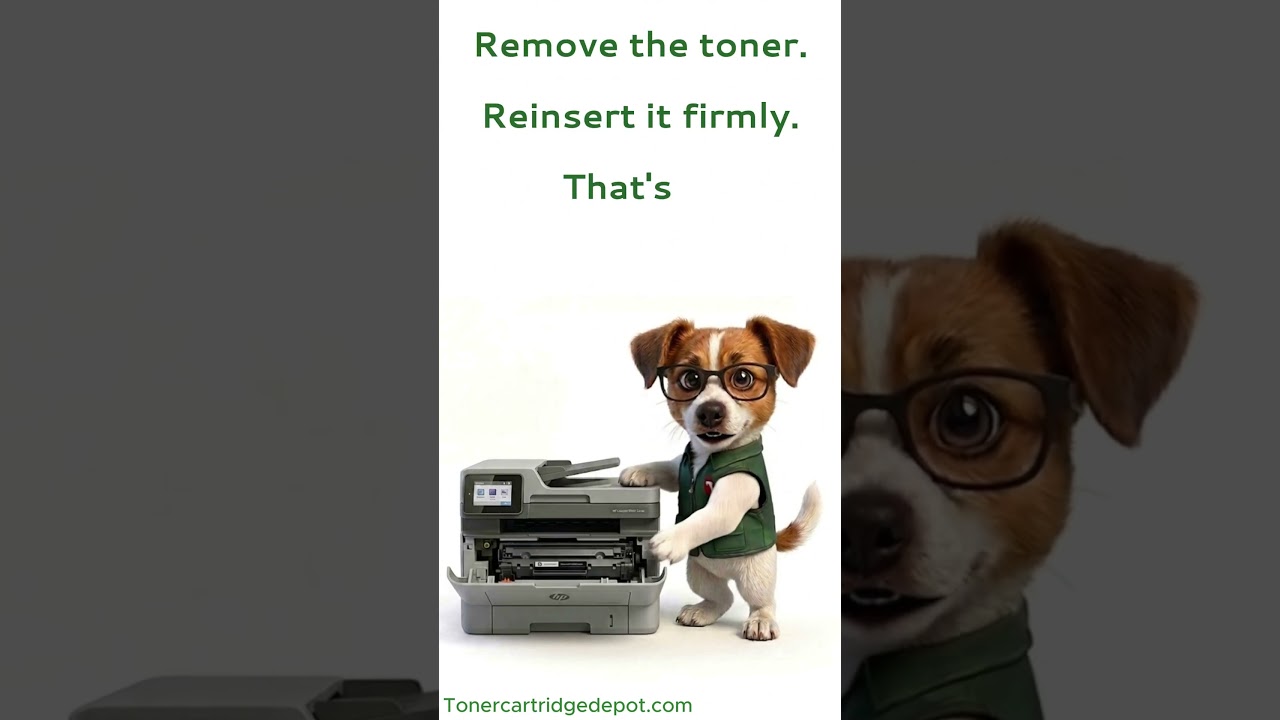
If your LaserJet 3300 displays a "Supply Problem" alert, it's almost always the cartridge chip not being read correctly — not a faulty cartridge. Switch the printer off for about 30 seconds, take the cartridge out and slot it back in firmly, then wipe the small metal chip contacts with a dry, lint-free cloth. Still showing the alert? Install a fresh HP C7115X or reach out to our support team.
Quick Maintenance & How-To Guides
These quick tips apply to all laser printers. While your exact model may look slightly different, the steps are identical.

Inherited from LaserJet 3000 series
Inherited from LaserJet 3000 series

Inherited from LaserJet 3000 series

Inherited from LaserJet 3000 series