
HP LaserJet Enterprise 500 MFP M525dn Supplies
Overview
The HP LaserJet Enterprise 500 M525dn is a high-performance laser printer that is designed for businesses of all sizes. It is a versatile printer that can print, scan, copy, and fax documents. The M525dn is also a network printer, so it can be shared by multiple users.
Features
- High-speed printing: The M525dn can print up to 42 pages per minute (ppm) in black and white and 38 ppm in color.
- Automatic duplex printing: The M525dn can automatically print on both sides of the paper, which saves paper and toner.
- Networking: The M525dn is a network printer, so it can be shared by multiple users.
- Mobile printing: The M525dn supports mobile printing, so you can print from your smartphone or tablet.
- Security: The M525dn has a number of security features, including 256-bit encryption and password protection.
Specifications
| Specification | Value |
|---|---|
| Dimensions | 17.2 x 16.9 x 22.8 inches |
| Weight | 42.4 pounds |
| Print speed | Up to 42 ppm (black) / 38 ppm (color) |
| Print resolution | Up to 1200 x 1200 dpi |
| Paper handling | 250-sheet input tray, 100-sheet output tray |
| Networking | 10/100/1000 Ethernet |
| Mobile printing | AirPrint, Google Cloud Print, Mopria |
| Security | 256-bit encryption, password protection |
Conclusion
The HP LaserJet Enterprise 500 M525dn is a powerful and versatile printer that is ideal for businesses of all sizes. It is a fast printer that can print high-quality documents. The M525dn is also a network printer, so it can be shared by multiple users. If you are looking for a high-performance laser printer for your business, then the HP LaserJet Enterprise 500 M525dn is a great option.
Toner Cartridges, Maintenance Kits and Parts


23 Items

Xerox 6R3323
Black Genuine Toner Cartridge Extra High Yield, 21,600 pages
Troy 02-81600-001
Black Genuine MICR Toner Cartridge 6,000 pages
Troy 02-81620-001
Genuine MICR Toner Cartridge High Yield, 12500 pages
Troy 02-81601-700
Black Genuine MICR Toner Cartridge High Yield, 12500 pages
Troy 02-81601-001
Black Genuine MICR Toner Cartridge High Yield, 12,500 pages
Troy 02-81619-001
Genuine MICR Toner Cartridge Standard Yield, 6000 pages
Troy 02-81600-700
Black Genuine MICR Toner Cartridge Standard Yield, 6000 pages

HP CE255X (55X)
Black Genuine Toner Cartridge High Yield, 12,500 pages
HP CE255XD (55X)
Black Genuine Dual-Pack Toner Cartridge High Yield, 25,000 pages
HP CE255A (55A)
Black Genuine Toner Cartridge Standard Yield, 6,000 pages

HP RM2-3829
Genuine OEM Mono Laser Parts
HP RM1-8508
Genuine Fuser (Fixing) Unit 120 volt
HP RM1-8505
Genuine Tray 2 Paper Pick-Up Assembly
HP RM1-6315
Genuine Transfer Lower Guide Assembly
HP RM1-6322
Genuine Laser Scanner Unit
HP RK2-1492
Genuine Tray 2 Soleniod
HP CD644-67916
Genuine Control Panel Assembly
HP CC487A
Genuine Analog Fax Accessory
HP CF116-67903
Genuine Maintenance Kit 110/220 volt
HP L2718A (100)
Genuine ADF Roller Replacement Kit Standard Yield
HP CE530A
Genuine Paper Tray Standard Yield, 500 Sheets

Remanufactured CE255A
Black Remanufactured Toner Cartridge Standard Yield, 6,000 pages
Frequently Asked Questions
The LaserJet Enterprise 500 MFP M525dn uses 10 toner cartridges, including HP CE255A, HP CE255X and HP CE255XD.
HP CE255A (HP 55A) prints 6000 pages, HP CE255XD (HP 55X) prints 25000 pages.
The XER 6R3323 cartridge has an approximate yield of 21600 pages.
For HP CE255A you can choose Genuine HP (HP CE255A (HP 55A)) or a Remanufactured option (CTC CE255A), same 6000 page yield.
Yes — MICR (magnetic) toner is available: TRO 02-81600-001, TRO 02-81601-001, TRO 02-81600-700, TRO 02-81601-700, TRO 02-81619-001, TRO 02-81620-001.
Yes — the replacement fuser for the LaserJet Enterprise 500 MFP M525dn is: HP RM1-8508.
The LaserJet Enterprise 500 MFP M525dn uses these maintenance parts: HP CF116-67903.
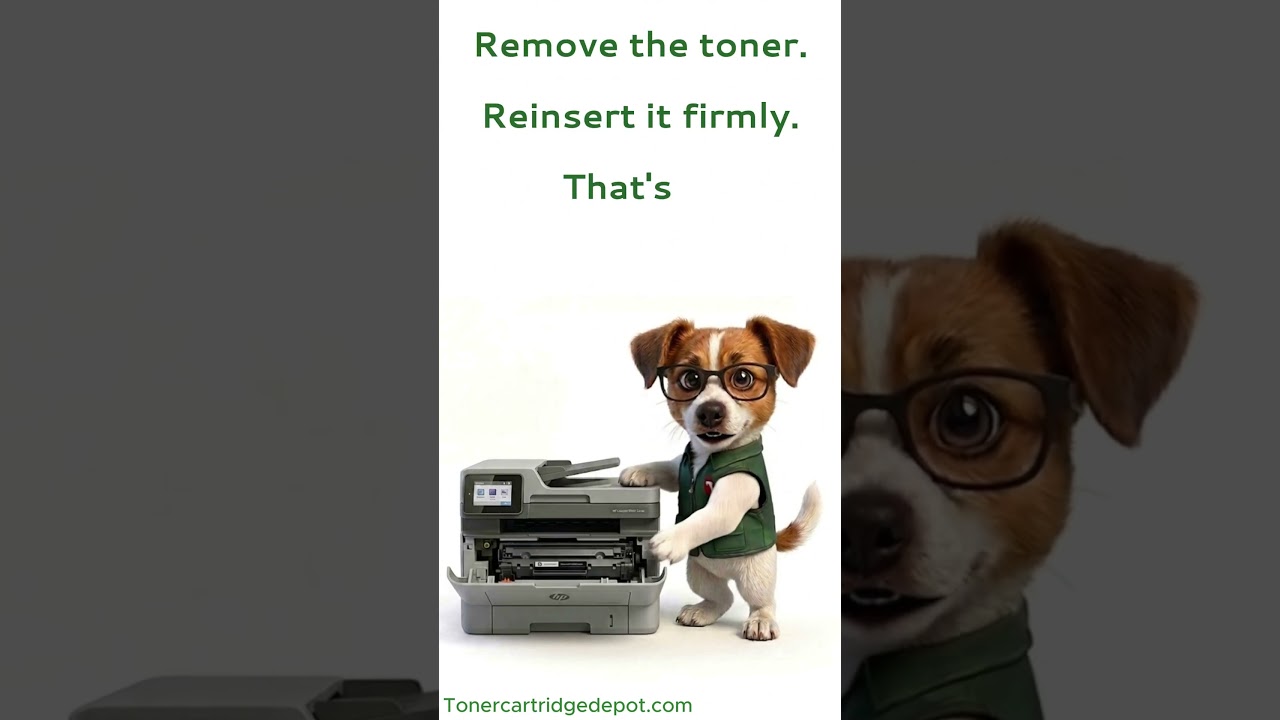
The "Supply Problem" notice on the LaserJet Enterprise 500 MFP M525dn is typically a recognition fault, not a defective cartridge. Start by turning the printer off for 30 seconds. Reseat the cartridge, clean its chip contacts with a dry cloth, then power back on. If nothing changes, the fix is a fresh XER 6R3323.
Quick Maintenance & How-To Guides
These quick tips apply to all laser printers. While your exact model may look slightly different, the steps are identical.

Inherited from LaserJet Enterprise M500 series
Inherited from LaserJet Enterprise M500 series

Inherited from LaserJet Enterprise M500 series