
HP LaserJet Enterprise Flow MFP M635 Supplies
Toner Cartridges, Maintenance Kits and Parts


8 Items

Troy 02-W1470X-0E1
Genuine MICR Toner Cartridge High Yield, 25200 pages
Troy 02-W1470A-0E1
Genuine MICR Toner Cartridge Standard Yield, 10500 pages

HP W1470Y (147Y)
Black Genuine Toner Cartridge Extra High Yield, 42,000 pages
HP W1470X (147X)
Black Genuine Toner Cartridge High Yield, 25,200 pages
HP W1470A (147A)
Black Genuine Toner Cartridge Standard Yield, 10,500 pages

HP J8J87A
Genuine Maintenance Kit 225,000 pages, 110 volt
HP J8J88A
Genuine Maintenance Kit 225,000 pages, 220 volt
HP J8J95A
Genuine ADF Roller Replacement Kit Standard Yield, 150,000 pages
Get a notification of availability
Frequently Asked Questions
The LaserJet Enterprise Flow MFP M635 uses 5 toner cartridges, including HP W1470A, HP W1470X and HP W1470Y.
HP W1470A (HP 147A) prints 10500 pages, HP W1470Y (HP 147Y) prints 42000 pages.
The HP W1470Y cartridge has an approximate yield of 42000 pages.
Yes — MICR (magnetic) toner is available: TRO 02-W1470A-0E1, TRO 02-W1470X-0E1.
The LaserJet Enterprise Flow MFP M635 uses these maintenance parts: HP J8J87A, HP J8J88A.
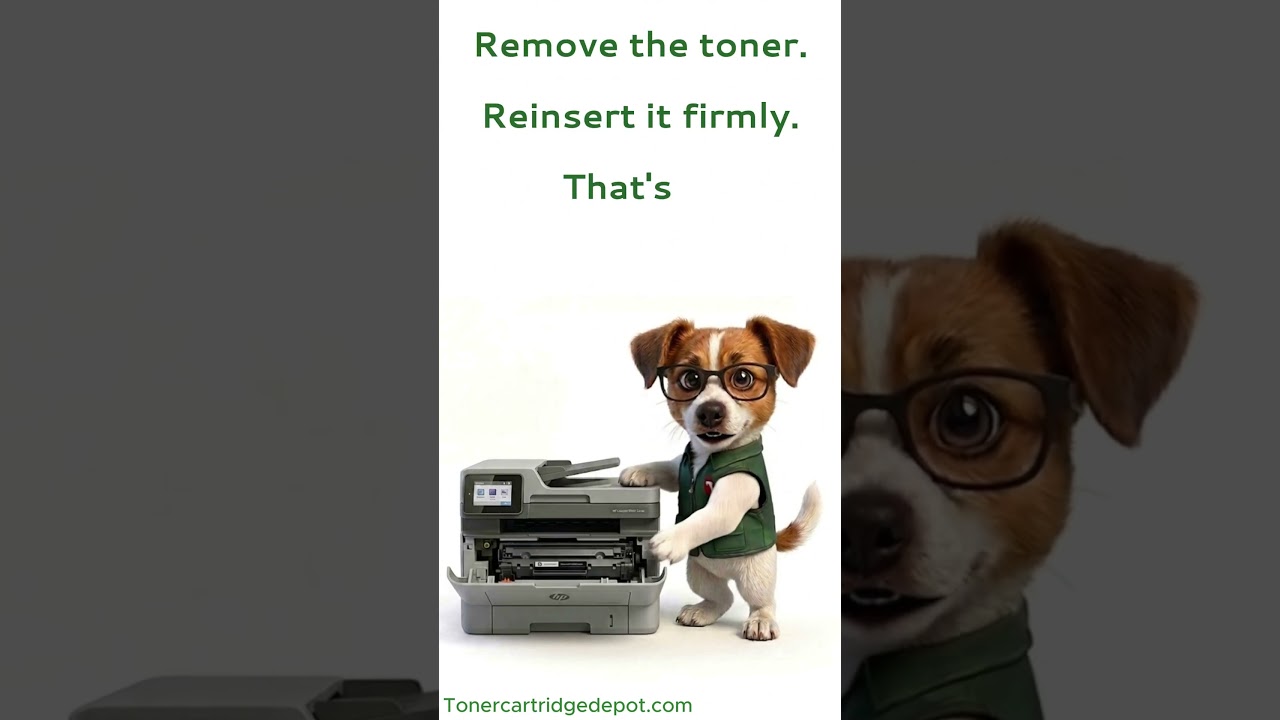
If your LaserJet Enterprise Flow MFP M635 displays a "Supply Problem" alert, it's almost always the cartridge chip not being read correctly — not a faulty cartridge. Switch the printer off for about 30 seconds, take the cartridge out and slot it back in firmly, then wipe the small metal chip contacts with a dry, lint-free cloth. Still showing the alert? Install a fresh HP W1470Y or reach out to our support team.
Quick Maintenance & How-To Guides
These quick tips apply to all laser printers. While your exact model may look slightly different, the steps are identical.

Inherited from LaserJet Enterprise M600 series
Inherited from LaserJet Enterprise M600 series

Inherited from LaserJet Enterprise M600 series