
HP LaserJet M3027x Supplies
Toner Cartridges, Maintenance Kits and Parts


16 Items

Xerox 106R2154
Black Genuine Toner Cartridge Extra High Yield, 18,300 pages
Xerox 6R1388
Black Genuine Toner Cartridge High Yield, 13,000 pages
Troy 02-81207-001
Black Genuine MICR Toner Cartridge High Yield, 13000 pages

HP Q7551X (51X)
Black Genuine Toner Cartridge High Yield, 13,000 pages
HP Q7551XD (51X)
Black Genuine 2-Pack Toner Cartridge High Yield, 13,000 pages
HP Q7551A (51A)
Black Genuine Toner Cartridge Standard Yield, 6,500 pages

HP RM1-3717
Genuine Fuser Assembly 120,000 pages
HP Q7812-67905
Genuine Fuser Maintenance Kit 200,000 pages, 110 volt
HP RK2-1492
Genuine Tray 2 Soleniod
HP 5851-3833 (0950-4753)
Genuine 40Gb Sata Hard Drive
HP CC476-67909 (CC476-67912)
Genuine Automatic Document Feeder
HP CB414-67918
Genuine ADF Feed Roller Assembly Kit Standard Yield

Remanufactured Q7551X
Black Remanufactured Toner Cartridge Standard Yield, 13,500 pages
Remanufactured Q7551A
Black Remanufactured Toner Cartridge Standard Yield, 6,500 pages
Frequently Asked Questions
The LaserJet M3027x uses 6 toner cartridges, including HP Q7551A, HP Q7551X and HP Q7551XD.
HP Q7551A (HP 51A) prints 6500 pages, XER 106R2154 prints 18300 pages.
The XER 106R2154 cartridge has an approximate yield of 18300 pages.
For HP Q7551A you can choose Genuine HP (HP Q7551A (HP 51A)) or a Remanufactured option (CTC Q7551A), same 6500 page yield.
Yes — MICR (magnetic) toner is available: TRO 02-81207-001.
Yes — the replacement fuser for the LaserJet M3027x is: HP RM1-3717, HP Q7812-67905.
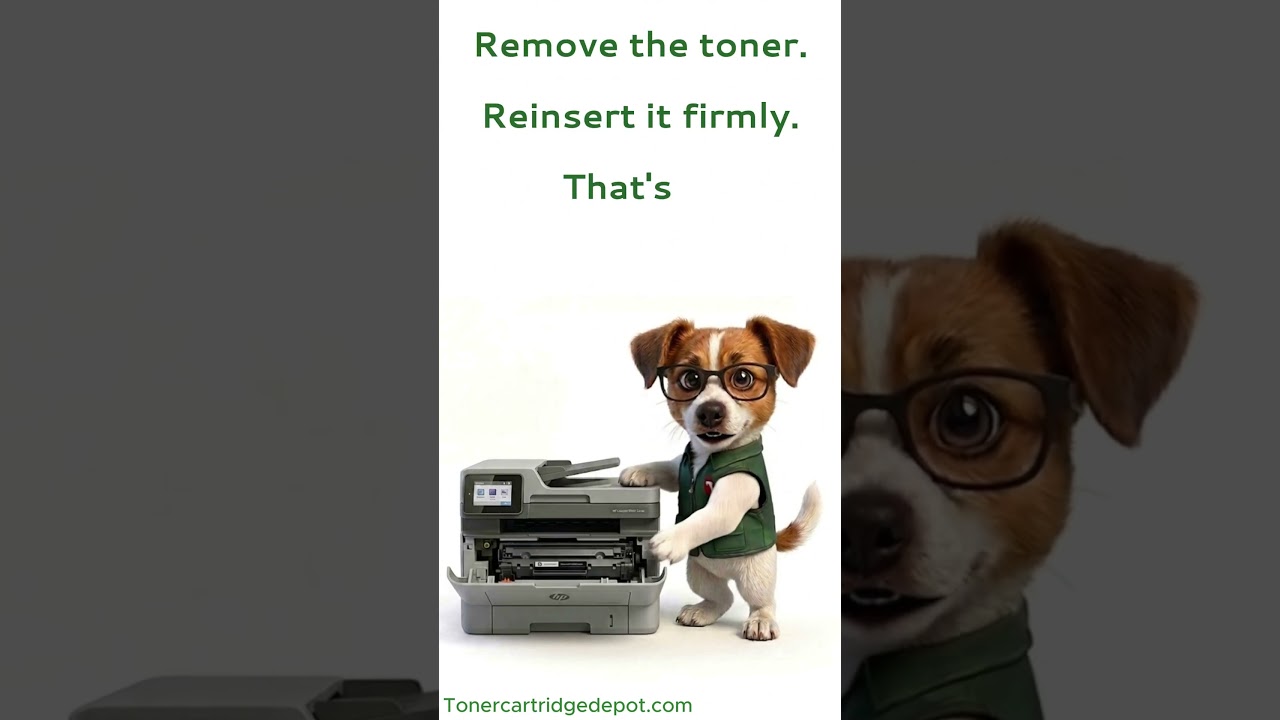
Seeing "Supply Problem" on your LaserJet M3027x? Before replacing anything, try a quick reset: power down for half a minute, remove and firmly reinsert the cartridge, and wipe the chip contacts free of dust with a dry, lint-free wipe. When the warning keeps coming back after that, swap in a new XER 106R2154 or contact us.
Quick Maintenance & How-To Guides
These quick tips apply to all laser printers. While your exact model may look slightly different, the steps are identical.

Inherited from LaserJet M3000 series
Inherited from LaserJet M3000 series

Inherited from LaserJet M3000 series

Inherited from LaserJet M3000 series